Tennis ball cricket scoring app for tape-ball matches and tournaments too
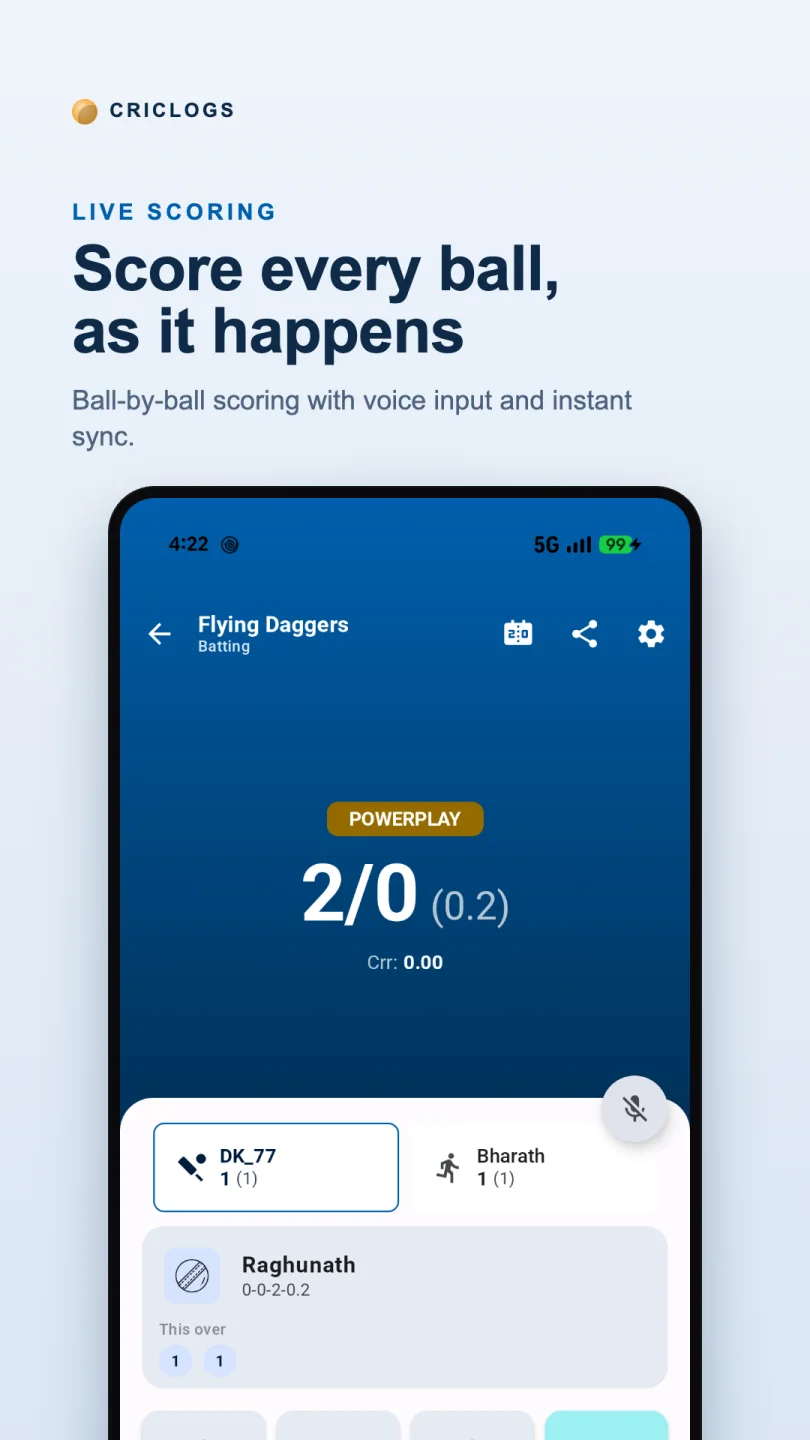
Most local cricket is played with a tennis ball, often wrapped in tape: short overs, odd team sizes and a final under the lights. CricLogs scores it ball by ball on your phone, shares a live scorecard, runs the tournament table and streams the final to YouTube.
The short version
- Pick the Tennis Ball format and set your own overs and players per side.
- Score ball by ball with wides, no-balls and extras handled for you, offline too.
- Share one live scorecard link with everyone at the ground and at home.
- Run the whole tournament with a points table and leaderboards.
- Stream the final to YouTube with the score on screen. Free, with no ads.
Setting up a tennis-ball match
-
1
Create the match and choose Tennis Ball
In CricLogs, create a match and pick the Tennis Ball format. Use it for tape-ball games too.
-
2
Set the overs and players per side
Enter what your ground actually plays: 6, 8 or 10 overs, and 8 or 11 a side. The app counts overs and wickets from these.
-
3
Add both squads and score the toss
Add the players so every run and wicket lands on the right profile, then record the toss and start.
-
4
Score each ball with one tap
Runs, wides, no-balls, byes and wickets are each a tap. Strike, overs and extras are tracked for you, and the live scorecard updates as you go.
House rules to agree before the toss
Tennis-ball cricket changes the laws from ground to ground. Most disputes on the scoring side come from rules nobody agreed at the start. Settle these with both captains:
- Overs per bowler. In a 6-over game, is it one over each or two?
- Wides and no-balls. One run and a re-bowl is normal. Does a no-ball give a free hit?
- Last batter. Can the last batter bat alone, or is the innings over at the last wicket?
- Boundaries. Which walls, roofs or roads count as four or six, and is anything an automatic out?
- Tie-breaks. Super over, bowl-out or shared points?
New to scoring? The scorer's guide explains how extras, wickets and strike changes work under the normal laws.
Tape-ball tournaments
Weekend tape-ball tournaments are where scoring gets hard: a dozen or more teams, several matches a day and a crowd waiting for the table after every game.
- One scorer per match, each on their own phone, all feeding the same tournament.
- Points table and leaderboards fill in from every scored match, with no spreadsheet at the end of the day.
- Every match gets a scorecard link you can post in the tournament group.
See how to create a cricket tournament in the app, or read about scoring a local tournament from first match to final.
Streaming a night tape-ball match
The final is usually the match people want to watch from home. From the same match screen, tap Go Live and stream to YouTube with the score strip on the video.
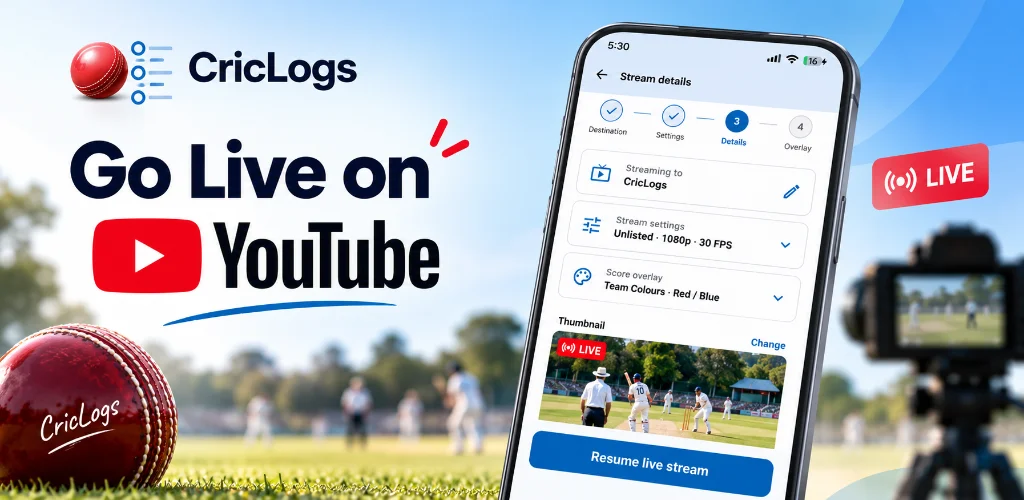
- Under floodlights, lock the exposure on the pitch and try 30 FPS if the lights flicker on video.
- Mount the phone high and behind the bowler or keeper, in line with the pitch, so the tennis ball stays visible.
- Keep the phone on power with a 20,000 mAh bank for a full tournament day.
For the full setup, see the tournament streaming guide and the best camera angles.
Player stats from tennis-ball cricket
Every match you score adds to each player's runs, wickets, strike rate, average and economy. After enough matches, players also get a player tag that shows their style, such as Destroyer or Stock Bowler.
Tennis-ball scoring runs faster than leather-ball cricket over the same overs, so compare players against the right format. See what a good strike rate and economy look like for short matches, T20 and one-day games.
Tennis-ball and leather-ball matches share the same pars for player tags today. Separate tennis-ball pars will come once there is enough data.
Frequently asked questions
Can CricLogs score tennis-ball cricket?
Can I set 6, 8 or 10 overs and fewer players?
Do tennis-ball stats count toward player tags?
Can I run a tape-ball tournament with a points table?
Can I stream a night tape-ball match?
Is it free?
Score your next tape-ball game
CricLogs is free on Android with no ads. Set your own overs and team sizes, share the live scorecard and stream the final.
Download free on Google Play