Offline cricket scoring app for grounds with no signal
Plenty of local grounds sit in a dead zone: one bar if you stand on the roller, nothing in the scorer's chair. CricLogs keeps scoring anyway. Every ball is saved on your phone, and the scorecard syncs on its own once you are back online.
The short version
- Score a full match with zero bars. Every run, wicket and over is saved on your phone as you enter it.
- Nothing to sync by hand. The scorecard uploads automatically when the phone reconnects.
- Set the match up before you leave. Create it and add squads while you still have signal.
- Supporters see the balls once you sync. Live updates need a connection; the score itself does not.
- Streaming is different. A YouTube live stream needs internet, so plan that separately.
How to score a cricket match offline
-
1
Set up the match while you have signal
Create the match and add both squads at home or on the way, so every player name is ready before you reach the ground.
-
2
Score ball by ball at the ground
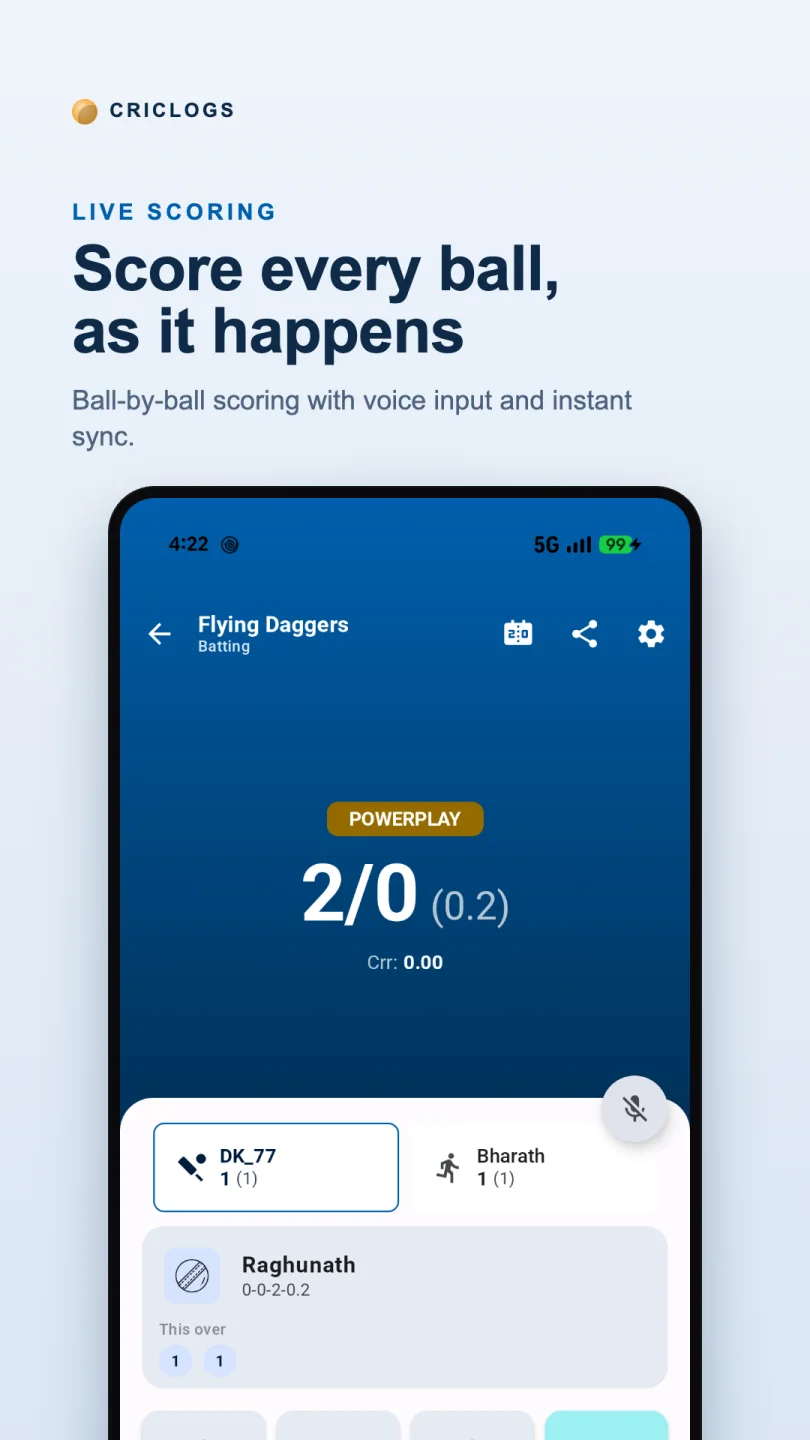
Score exactly as you would online. Each ball is saved on the phone the moment you tap it, so a dropped connection never loses a run.
-
3
Let it sync when you are back online
When the phone finds a signal again, on the drive home or at the tea break, CricLogs syncs the scorecard on its own. Player stats and player tags update from it.
What works offline, and what needs internet
| Feature | With no signal |
|---|---|
| Ball-by-ball scoring | ✔ Works fully. Every ball is saved on the phone. |
| The match record | ✔ Safe on the phone until it syncs. |
| Live scorecard for supporters | Updates when the phone reconnects and syncs. |
| Player stats, awards and tags | Update after the match syncs. |
| YouTube live streaming | Needs a steady upload connection. |
One bar is often enough for the scorecard to sync in short bursts during the match. A live video stream needs much more. See YouTube live streaming requirements and fixes for a buffering stream.
Checklist for a ground with no signal
- Create the match and squads before you leave home. Typing 22 names is easier with signal and a cup of tea.
- Charge the phone fully and pack a power bank. A full day of scoring with the screen on drains a battery.
- No signal at all? Turn mobile data off to save battery, and turn it back on after the match so the scorecard can sync.
- Agree on one scoring phone for the match, so there is a single record to sync afterwards.
- Keep a paper scorebook in the kit bag for the first few matches, so everyone trusts the app.
- Check the sync after the match. Open the scorecard once you are back online and make sure every innings is there.
Other offline cricket scoring options
Play-Cricket Scorer
The ECB's free app for clubs in England and Wales. Download the fixture while you are online and you can score with no signal; the result uploads to Play-Cricket afterwards.
STUMPS
A simple free scorer that keeps scoring without a connection and syncs later. A good fit for friendlies where you only want the score.
A paper scorebook
No battery, no signal, no app update on match morning. What you lose is everything afterwards: the live scorecard, player stats and points tables that build themselves.
For ads, stats, tournaments and streaming side by side, see the best cricket scoring apps compared.
Frequently asked questions
Can I score a cricket match offline?
Which cricket scoring app works without internet?
What happens to my scores if the signal drops mid-match?
Can supporters follow the live scorecard while I am offline?
Can I live stream a match from a ground with no internet?
Is the offline cricket scoring app free?
Score your next match, signal or not
CricLogs is free on Android with no ads. Score ball by ball offline and let the scorecard sync itself when you are back online.
Download free on Google Play